
How to Set Up and Optimise a Google Business Profile for a Restaurant
Quick Answer
A Google Business Profile for restaurants is the free listing that shows your restaurant in Google Maps and Search. To set yours up, claim or create it at business.google.com, verify it with the method Google offers, pick one specific primary category, enter your exact name, address, phone number and hours, then add your menu, attributes and real photos. After that, collect reviews fairly, reply to every one, and keep the profile current.
Why a Google Business Profile Matters for a Restaurant
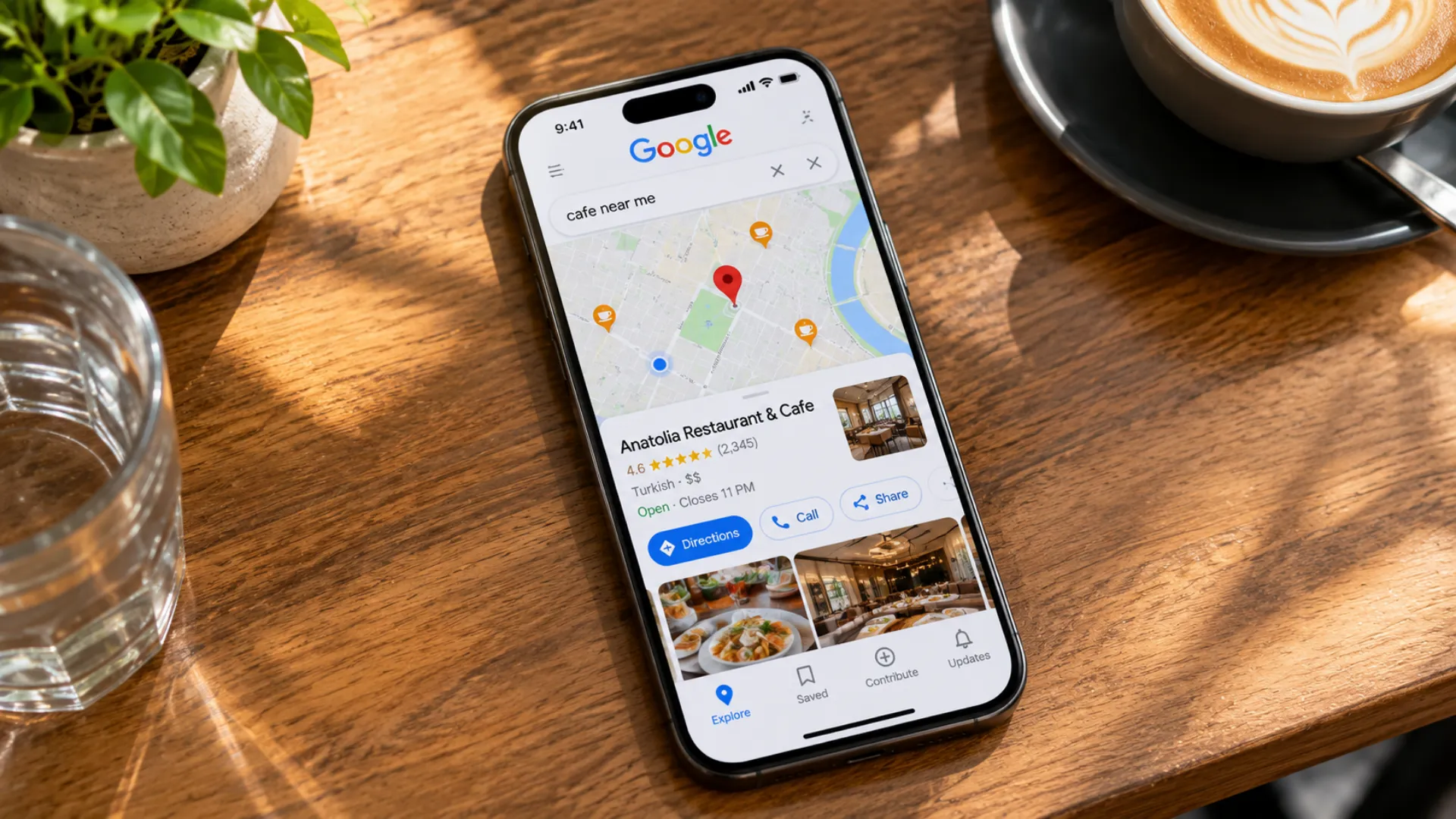
When someone searches for food nearby, your listing is often the first thing they see: your name, rating, photos, opening hours and a directions button. The decision can be made right there, before your website ever loads. If your hours are wrong or your photos are missing, that diner picks the next place.
This guide covers setup first, then the ongoing work that keeps a Google Business Profile for restaurants useful. Want to see a finished example? Open this live restaurant profile in Google Maps on your phone and compare each section as you read.
If your profile is already live but not showing up, our guide to how Singapore restaurants rank on Google Maps covers the ranking side.
Step 1: Claim or Create Your Listing
Search your restaurant’s name in Google Maps. If a listing already exists, choose the option to claim or manage it. If nothing appears, add your business at business.google.com.
Use a Google account the business controls, not a staff member’s personal Gmail. Staff change, and the listing should stay with the restaurant. You can add other owners and managers by email from the profile’s settings, and one account can manage several outlets.
Step 2: Verify the Profile
Google decides which verification options you see. Depending on your listing, that can include a video, a phone call or text, email, or a postcard. Choose the method on offer and follow the prompts exactly.
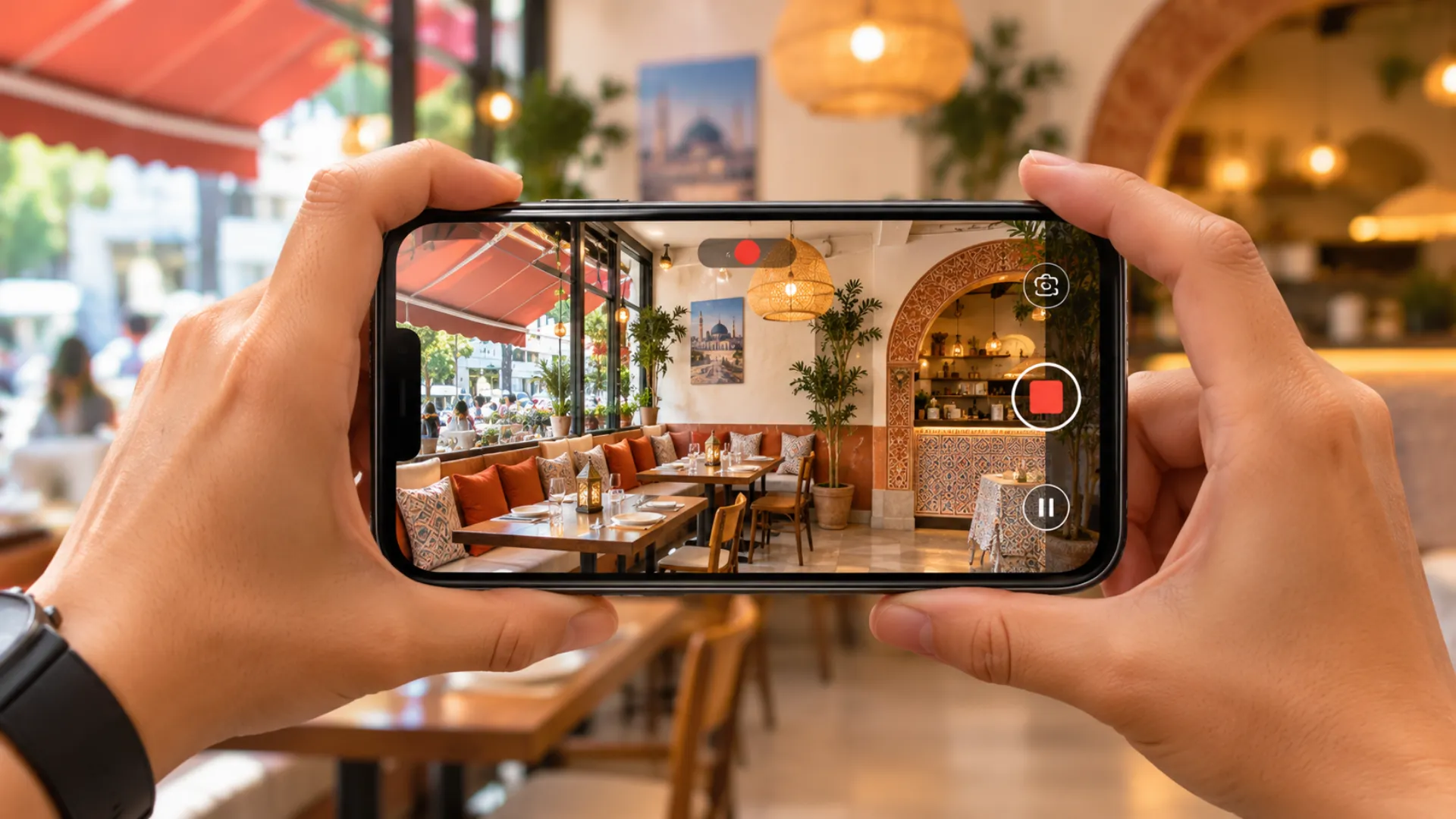
If Google asks for a video, film it in one go and show what the prompt asks for, which usually covers the exterior, the signage and the inside of the premises.
Verification matters more than most owners expect. Google says photos and videos only show on a Business Profile once the business is verified.
Step 3: Choose the Right Categories
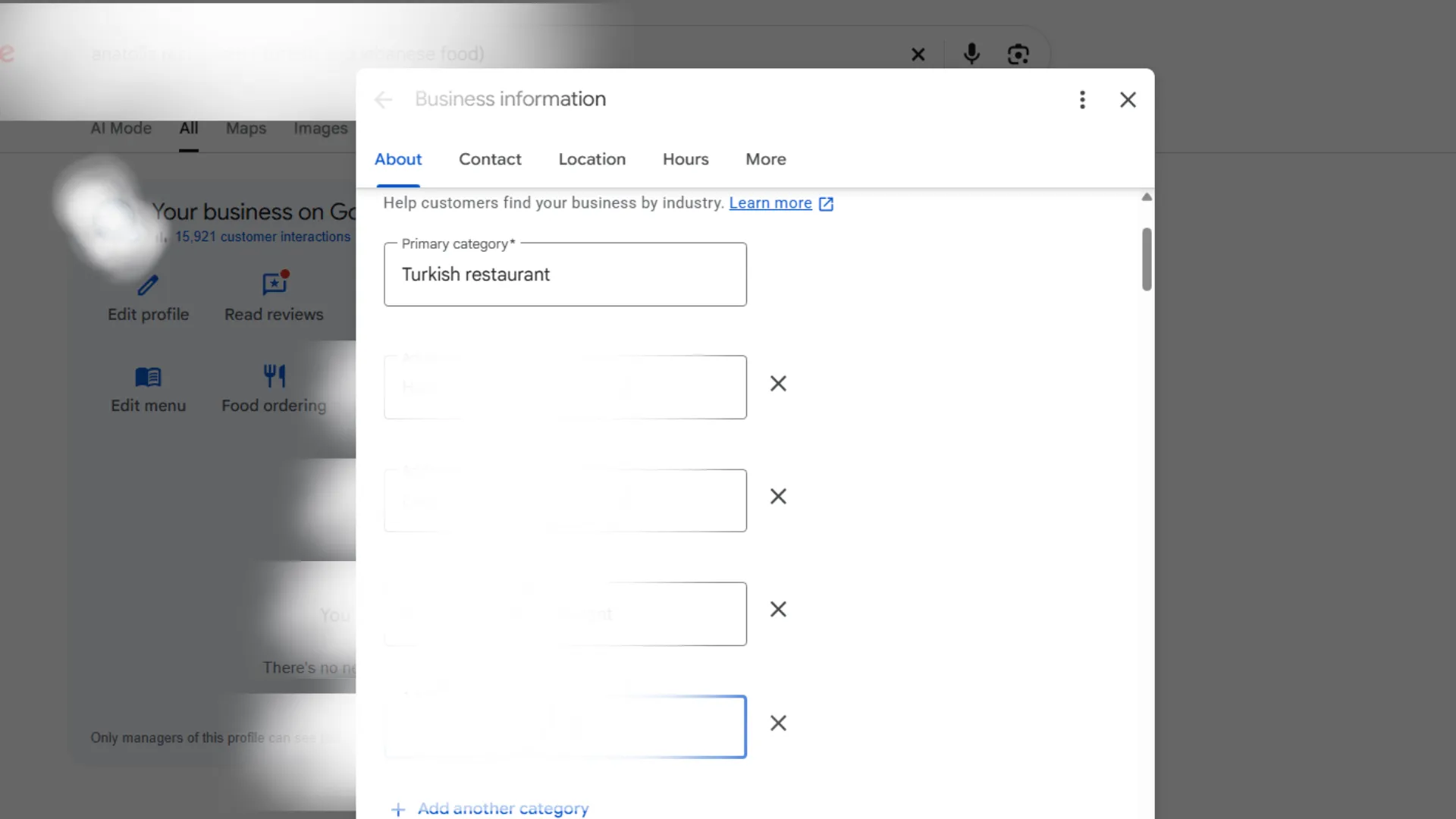
Your primary category tells Google what kind of business you are. Pick the most specific one that fits, such as Turkish restaurant instead of plain Restaurant. You can add secondary categories for other things you genuinely are, such as Mediterranean restaurant or Kebab shop.
Only add categories that match your actual menu. A long list of loosely related categories confuses the listing instead of helping it. A quick check: search for the dish you want to be found for and look at the categories the top Maps results use.
Step 4: Get Your Name, Address, Phone and Hours Right
- Use the name on your signboard and registration. Do not add keywords, cuisine terms or locations to it. Google treats that as spam, and it can get a profile suspended.
- Enter your address exactly as it appears on your website.
- List a phone number that is answered during opening hours.
- Set regular hours, then add special hours for public holidays and festive periods. Update the same day if you close early.
- Keep all of these details identical on your website, Facebook, delivery apps and booking pages.
Add your website link with tracking so you can see profile visits in Google Analytics. A simple version looks like this:
https://yourrestaurant.com/?utm_source=google&utm_medium=organic&utm_campaign=gbp
Step 5: Add Your Menu, Attributes and Description
Add your menu items and prices wherever Google lets you, and link to your full menu and booking page. Use the dish names diners actually search for.
Fill in the attributes that apply: dine-in, takeaway, delivery, reservations, outdoor seating, accessibility and dietary options. Only tick what is true. Diners act on these, and a wrong attribute costs you a visit and often a bad review.
Write the description for people, not search engines. Say what you serve, where you are and what the room is like. Google allows up to 750 characters.
Step 6: Add Real Photos and a Short Video
Upload photos of the entrance, the dining room, your best dishes and the team. Google suggests adding a clear exterior photo so people recognise your restaurant when they arrive.
Google’s photo and video guidelines ask for JPG or PNG files between 10 KB and 5 MB, with a recommended size of 720 by 720 pixels and a minimum of 250 by 250 pixels. Photos should be in focus, well lit and free of heavy filters. Videos can run up to 30 seconds and 75 MB, at 720p or higher.
Skip stock photos. Diners compare your photos with what lands on the table, and a mismatch is the quickest way to lose trust. Add fresh photos regularly so the profile never looks abandoned.
Step 7: Collect Reviews the Right Way and Reply to Every One
Reviews carry a lot of weight with diners, and Google’s review rules have tightened. Industry reports on Google’s 2026 policy updates say that incentives, asking only happy customers, staff review quotas and pressuring guests to review on the premises are all against the rules. Check Google’s current review policy before you run any review campaign.
- Ask every guest in the same way, with no reward and no pressure.
- Use the review link from your profile and send it after the visit, for example in a booking follow-up to guests who agreed to receive messages.
- Do not tell guests what to write, which staff to name or which dishes to mention.
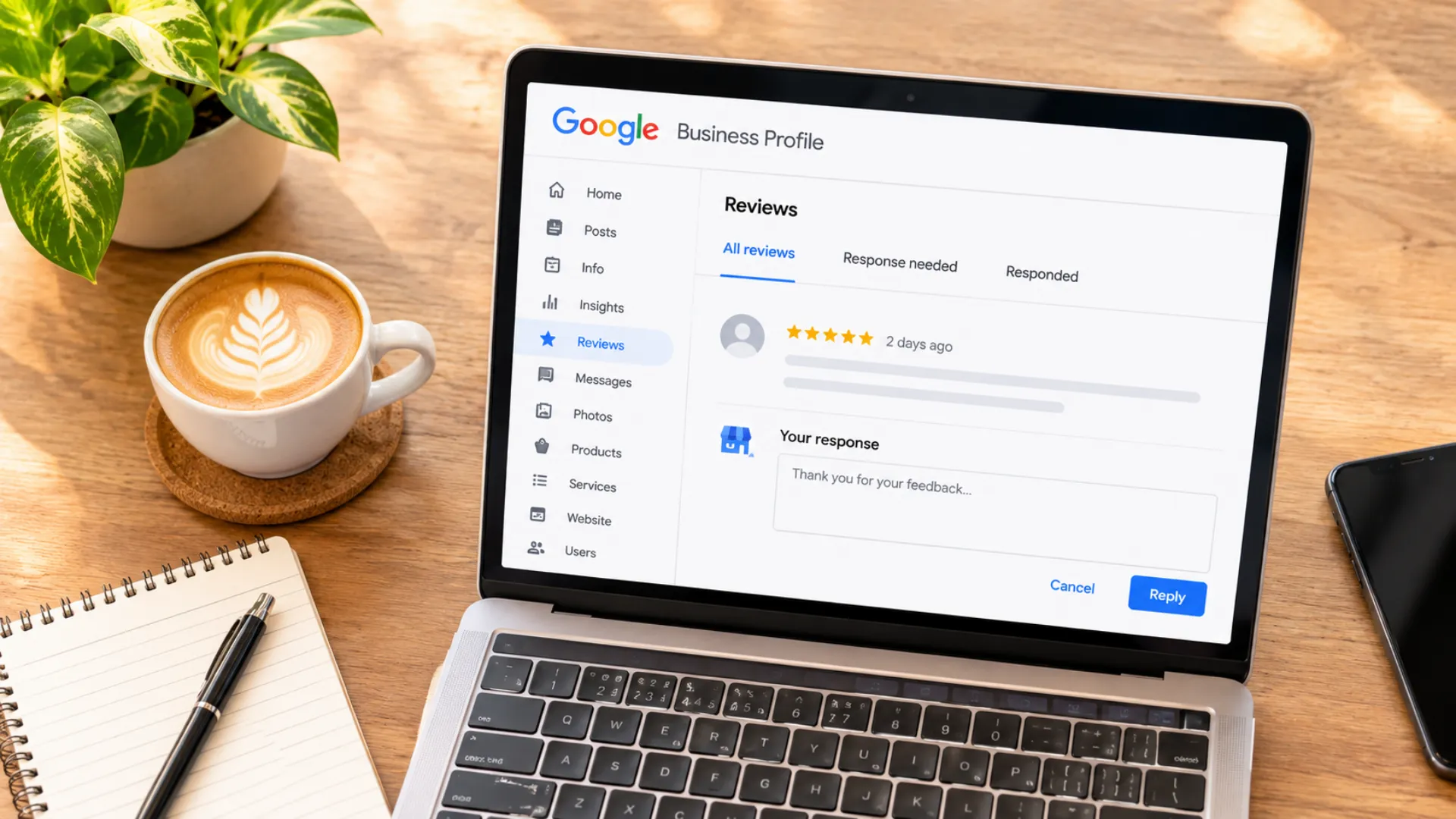
Then reply to every review, good or bad. Replies show new diners that someone is paying attention.
A short reply to a positive review:
Thank you, [Name]. Glad you enjoyed the meal. We hope to see you again soon.
A reply to a negative review:
[Name], we are sorry the evening fell short. Please email [your email address] with the date of your visit and what happened, and the manager will follow up personally.
Write each reply fresh. Copy-pasted answers read as copy-pasted.
Step 8: Use Posts, Offers and Updates
Posts let you share new dishes, events, holiday hours and offers on your profile. Give offers a start and end date. Pick a rhythm you can keep up, such as one post a week, instead of a burst followed by silence.
Treat posts as a way to keep the profile current and give diners a reason to tap, not as a ranking shortcut.
What Happened to Questions and Answers on Google Business Profile?
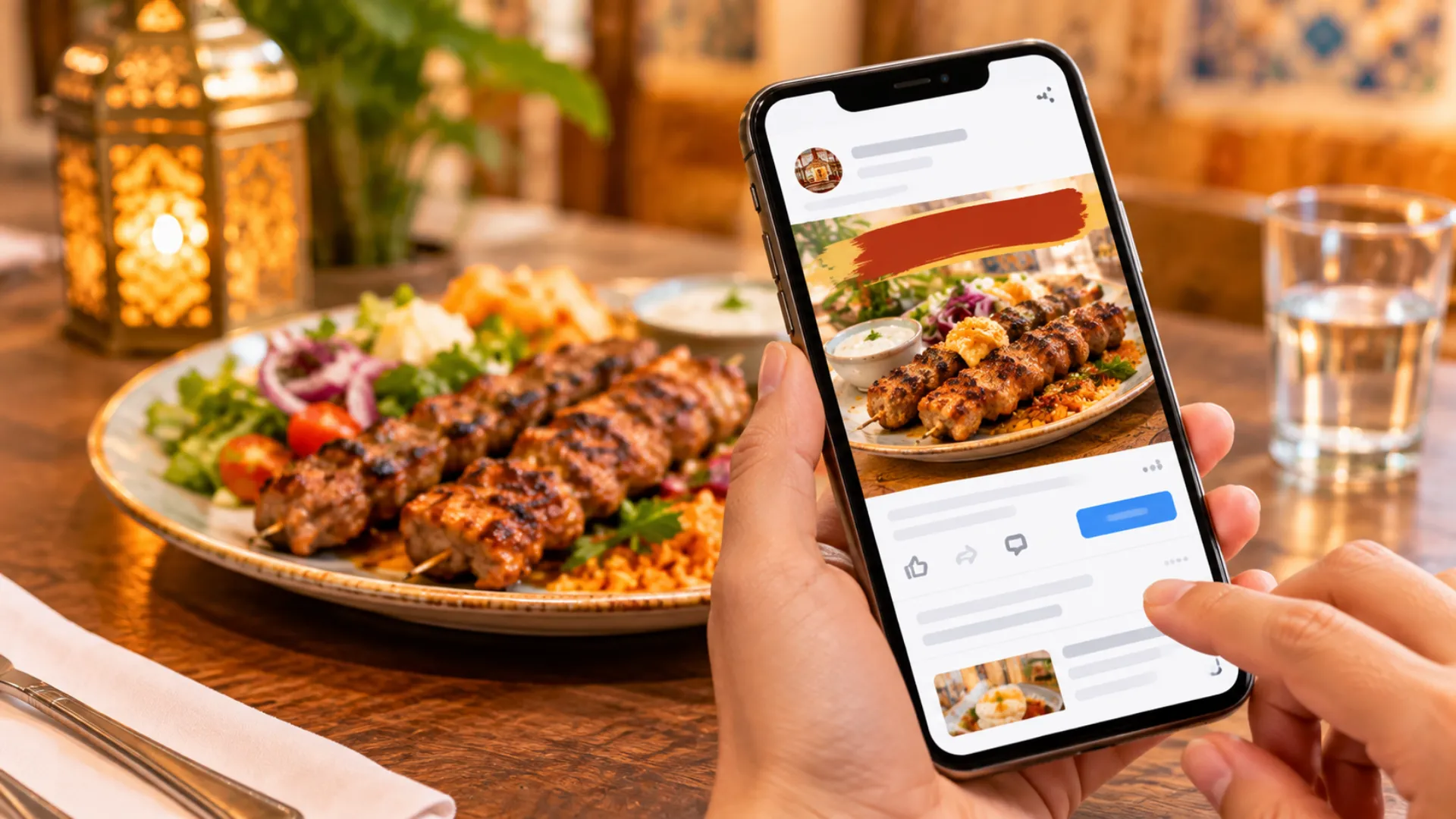
Google has been phasing out the public Q&A section on Business Profiles and replacing it with an AI-powered Ask feature in Maps. Search Engine Roundtable reported Google’s confirmation in December 2025. Availability varies by region, so open your own listing in the Google Maps app and check what diners see.
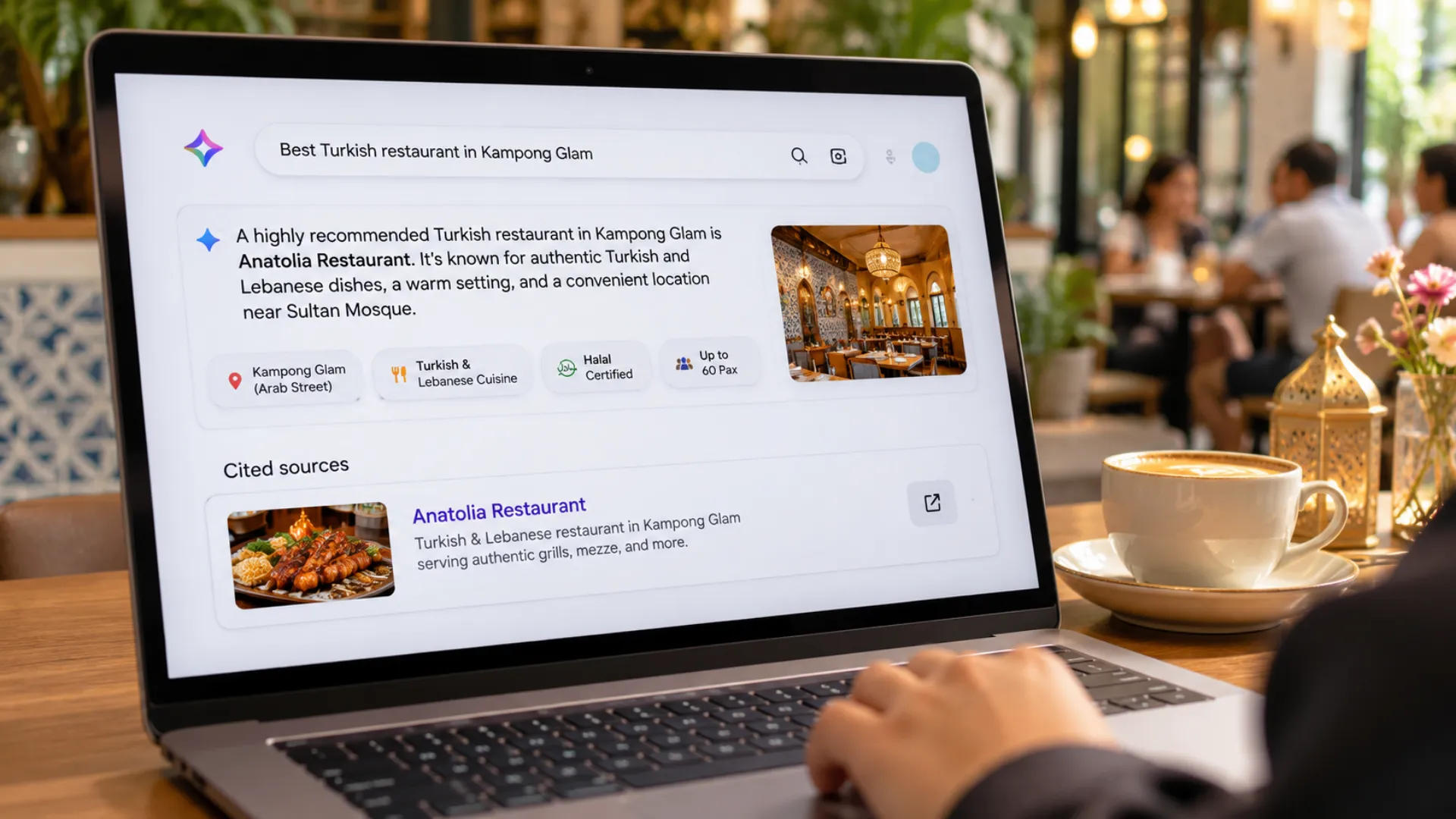
Industry coverage, including a Whitespark write-up, says the Ask feature answers from the information on your profile, your reviews and your photos. That makes complete attributes, accurate hours, clear dish names and honest reviews more useful than before. It also means the old tip of seeding your own questions is no longer a safe plan.
How to Optimise a Google Business Profile for Restaurants After Setup
Setup is the easy part. Optimising a Google Business Profile for restaurants is a monthly habit. Here is a short checklist to run through:
- Check your hours, including upcoming public holidays.
- Add fresh photos of dishes and the dining room.
- Read new reviews and reply to anything unanswered.
- Publish one post or offer.
- Confirm your name, address, phone number and website match every other listing.
- Open the profile’s performance numbers and note calls, direction requests and website clicks.
- Check Google Analytics for visits tagged with your profile link.
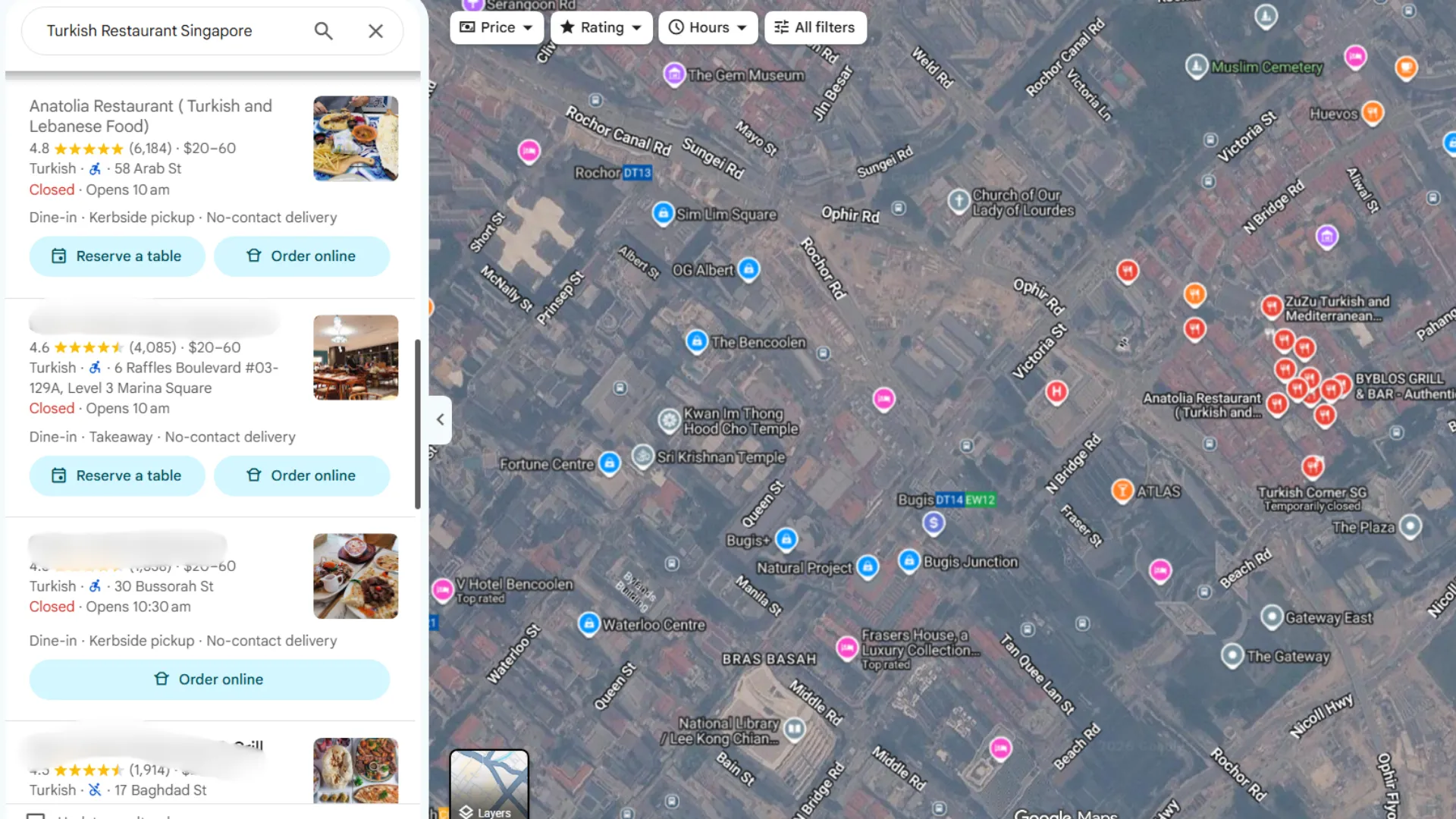
- Search for your restaurant, then for a main dish plus your neighbourhood, and look for duplicate or wrong listings.
Do the dish-plus-neighbourhood search from your phone, signed out and close to the restaurant, so you see roughly what a hungry passer-by sees. Note where you appear, then do it again next month.
If Your Restaurant Still Is Not Showing on Google Maps
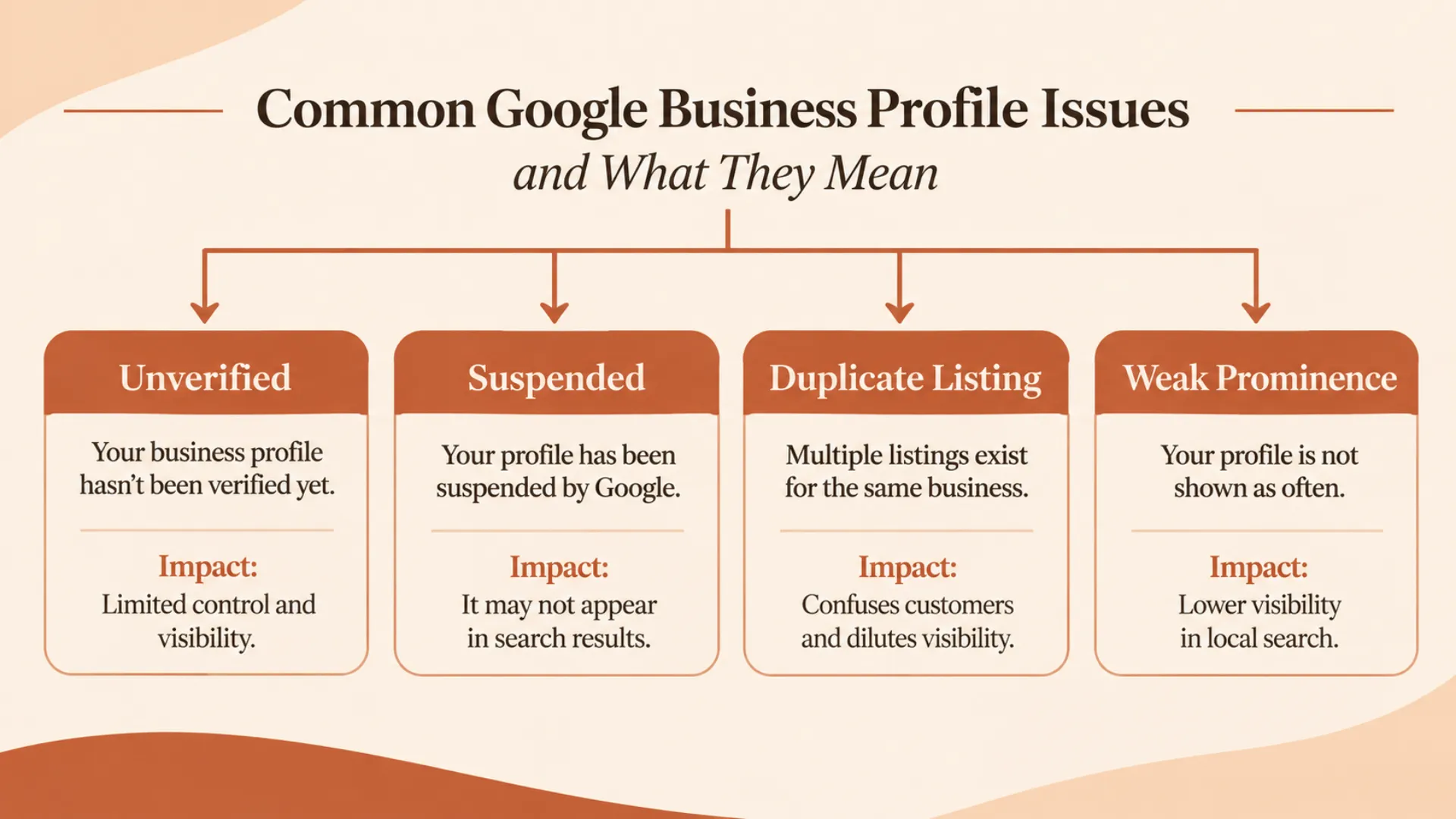
These are the usual causes:
- The profile is not verified.
- The profile is suspended, often because of a keyword-stuffed name or details that do not match other records.
- A duplicate listing for the same address is splitting reviews and attention.
- The primary category does not match what diners search for.
- The profile is thin, with few photos, few reviews and no recent activity.
If Google has suspended your profile, use Google’s reinstatement process and avoid piling on edits while an appeal is open. For the ranking side, read our local pack playbook for Singapore restaurants.
What Does It Cost?
Creating and managing a Business Profile is free. The costs are your time, your photography, and an agency fee if you hire help. For a sourced look at what restaurants in Singapore spend, read How Much Does Restaurant Marketing Cost in Singapore?
Related Reading
- How Singapore Restaurants Rank on Google Maps: The 2026 Local Pack Playbook
- How Much Does Restaurant Marketing Cost in Singapore?
- Google Business Profile Management
- Local SEO for Singapore Restaurants
- Restaurant SEO Services
Author Bio
Dinevix Team
Dinevix is a Singapore-based restaurant marketing agency working with independent restaurants, cafes, and chains across Kampong Glam, Tanjong Pagar, Orchard, and the heartlands. Our team manages Google Business Profiles, local SEO, website builds, and paid campaigns for F&B operators who want measurable growth, not vanity metrics.
Website: dinevix.com
Contact: Get in touch
Frequently Asked Questions
How do I set up a Google Business Profile for a restaurant correctly?
Claim or create the listing at business.google.com, verify it, choose one specific primary category, and enter your name, address, phone number and hours exactly as they appear on your signboard and website. Then add your menu, attributes and real photos before you start asking for reviews.
Is a Google Business Profile free?
Yes. Creating and managing a Business Profile costs nothing. You only pay if you hire someone to manage it or run Google Ads separately.
Is it worth having a Google Business Profile for a restaurant?
Yes. It is the listing diners see in Google Maps and Search, with your hours, photos, reviews and directions, and it costs nothing to maintain apart from your time.
What replaced Google My Business?
Google Business Profile. Google retired the Google My Business name, and you now manage your profile directly from Google Search and Google Maps.
Can I manage more than one restaurant from one Google account?
Yes. One Google account can manage several Business Profiles. Use an account the business owns rather than a personal Gmail, and add other managers by email so access does not depend on one person.
Can I merge two Google Business Profiles for the same restaurant?
If both listings are for the same location, you can ask Google to merge them through the Business Profile help flow. Check Google’s current merge steps first, because they depend on which profiles you own.
What happened to the Questions and Answers section?
Google has been phasing out public Q&A and replacing it with an AI-powered Ask feature in Maps, with availability varying by region. Check your own listing in the Google Maps app to see what diners get.
How much does it cost to optimise a Google Business Profile?
The profile is free, and doing the work yourself costs time. If you hire an agency, the fee depends on scope, such as the number of outlets, photography and review handling.
Conclusion
A Google Business Profile for restaurants is cheap to set up and easy to neglect. Get the basics right once: a verified profile, a specific category, accurate details, real photos and a full menu. Then keep it current, ask for reviews fairly and reply to every one.
If you would rather hand it over, see our Google Business Profile service or get in touch.
Sources
- Google Business Profile Help: photo and video guidelines
- Search Engine Roundtable: Google Maps Q&A and the Ask feature
- Whitespark: Google Q&A and the Ask A Question feature
Related reading: Restaurant Menu SEO: Put Your Menu on Google, Not a PDF | Google Ads for Restaurants in Singapore: A Setup Guide